

Every expense, tax-ready from day one.
Shuk categorizes every expense against IRS Schedule E from the moment you log it. Tag by property, vendor, and date, attach digital receipts, and export reports to PDF or Excel at tax time for your CPA.

Schedule E-aligned categories
Every expense is filed against a real Schedule E category from the start - not a generic bucket you sort out in April. Your CPA will notice.
02
Tag by property and vendor
Every expense is tied to the property it affects and the vendor who did the work. See spending by property and by vendor without digging.
03
Digital receipts, always
Attach photos or PDFs of every receipt directly to the expense. When an audit comes - or you just forget what something was for - the proof is one click away.
Simplicity
Stop sorting shoeboxes in April
Most landlords track expenses in one of two ways: a shoebox full of receipts, or a spreadsheet that falls apart by month three. Shuk replaces both with structured expense records that are already in the shape your tax return needs.
Pre-built Schedule E categories
Expenses are organized into IRS Schedule E categories, such as advertising, cleaning and maintenance, insurance, repairs, supplies, taxes, and utilities.
Depreciable labels
Mark expenses as depreciable so your accountant knows what to look at. The label drives no calculation; Shuk does not calculate depreciation.
Vendor and property tags
Slice by any dimension - one property, one vendor, one month - without rebuilding a formula.

Tax Season
Tax prep without the all-nighter
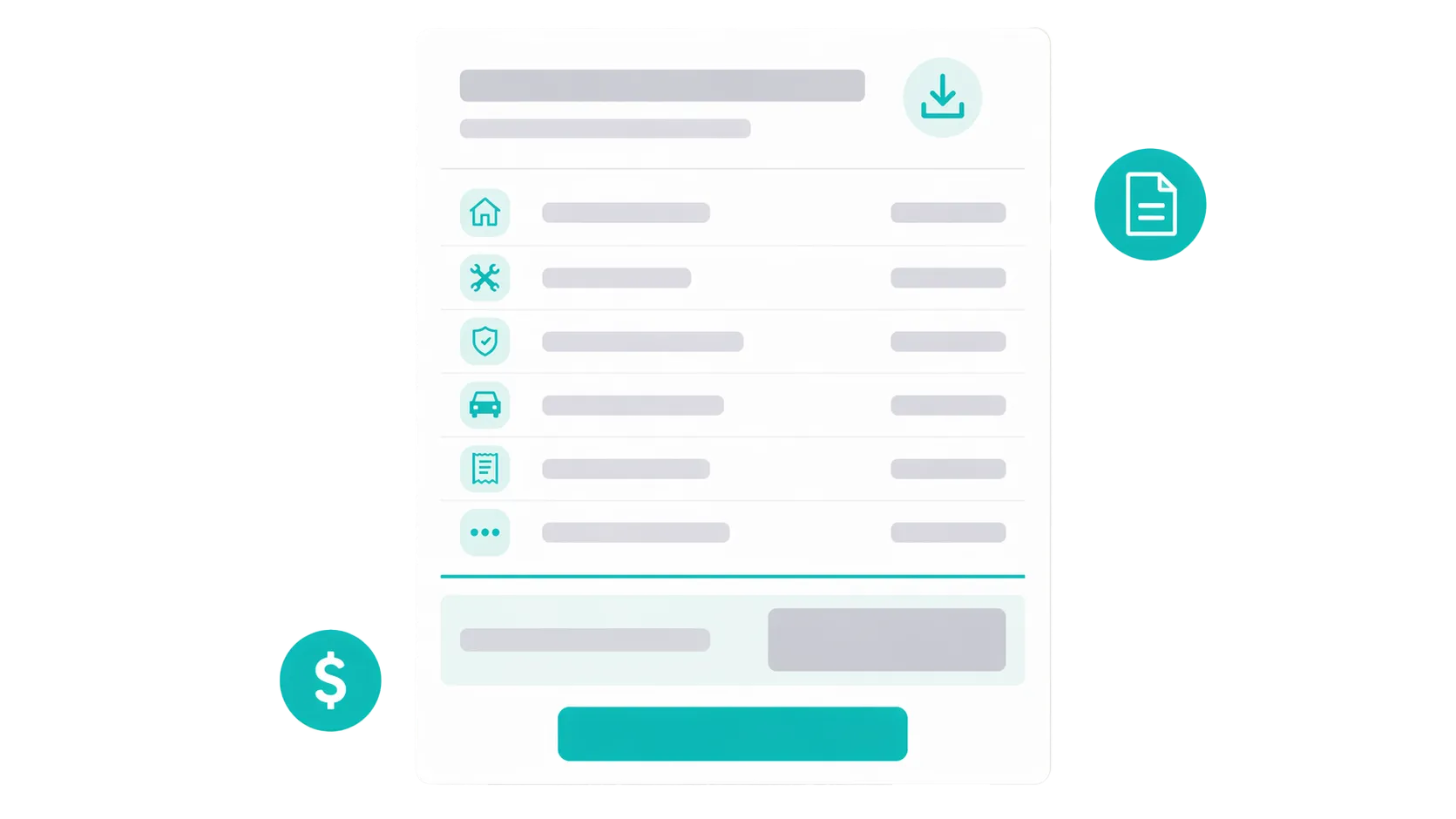
When it's time to file, your expenses are already organized the way the IRS asks for them. Export to PDF or Excel, send it to your CPA, and you're done.
Tax-time export
Export the Expense Tracker report to PDF or Excel and hand it to your CPA.
Organized records
Each expense carries its date, category, amount, vendor, and property, with a digital receipt whenever you attach one.
Works with your CPA
Shuk doesn't replace your accountant - it gives them cleaner data so they can do more with less billable time.
- Schedule E Aligned categories
- Digital Receipt storage
- PDF & Excel Tax-prep exports
- As low as $2 Per unit / month
How Shuk compares on expense management
A side-by-side look at what the big platforms charge for the same basics Shuk includes for as low as $2 per unit.
| Feature | Shuk | AppFolio | RentRedi | TurboTenant |
|---|---|---|---|---|
| Schedule E categories | Pre-built | Custom only | AI-assisted | Basic |
| Digital receipt storage | Included | Yes | Yes | No |
| Property-level tagging | Included | Yes | Yes | Limited |
| Vendor tracking | Included | Yes | Limited | No |
| Depreciable asset flagging | Label only | Yes | No | No |
| Tax export (PDF / Excel) | PDF and Excel | Yes | Yes | Basic |
| Flat per-unit pricing | As low as $2 / unit / mo | Tiered + min fee | Flat | Flat (paid plan) |
What Landlords & Renters are saying...


"Shuk Rentals has helped me receive tenant payments faster than competing platforms. The built-in service provider feature also gives landlords access to reliable, high-quality professionals, making maintenance and repairs easier and more efficient."
-
Dan M.

"Shuk allowed me to secure trustworthy tenants more than 60 days prior to lease end date. Tenants searched for my property based on lease dates. For a small property owner, any vacancy is a huge hit, so this feature gave me incredible peace of mind."
-
David B.

"Recently started using Shuk and it makes my experience as a renter so smooth and easy! Easy to get set up and super convenient to have access to everything in one place."
-
Amanda S.

"I love the lease renewal indicator tool. That is super cool."
-
Lori G.

"The Lease Indication Tool is a standout-it helps me predict which tenants are likely to renew, so I can plan ahead, avoid vacancies, and keep providing great places to live. It's smart, intuitive, and makes property management easier and more rewarding than ever!"
-
Leule A.
Everything You Need to Manage Rentals in One Place
Rent collection, screening, leasing, maintenance, financials, and more.
Frequently Asked Questions
Find answers to common questions about expense management on Shuk
How much should I budget for repairs and maintenance?
Can I see how Shuk works before committing?
How much should a landlord budget for maintenance and repairs?
What does Shuk cost?