Property Management Software

A Practical Guide for Small Landlords Who Want Less Chaos (and Better Tenants)

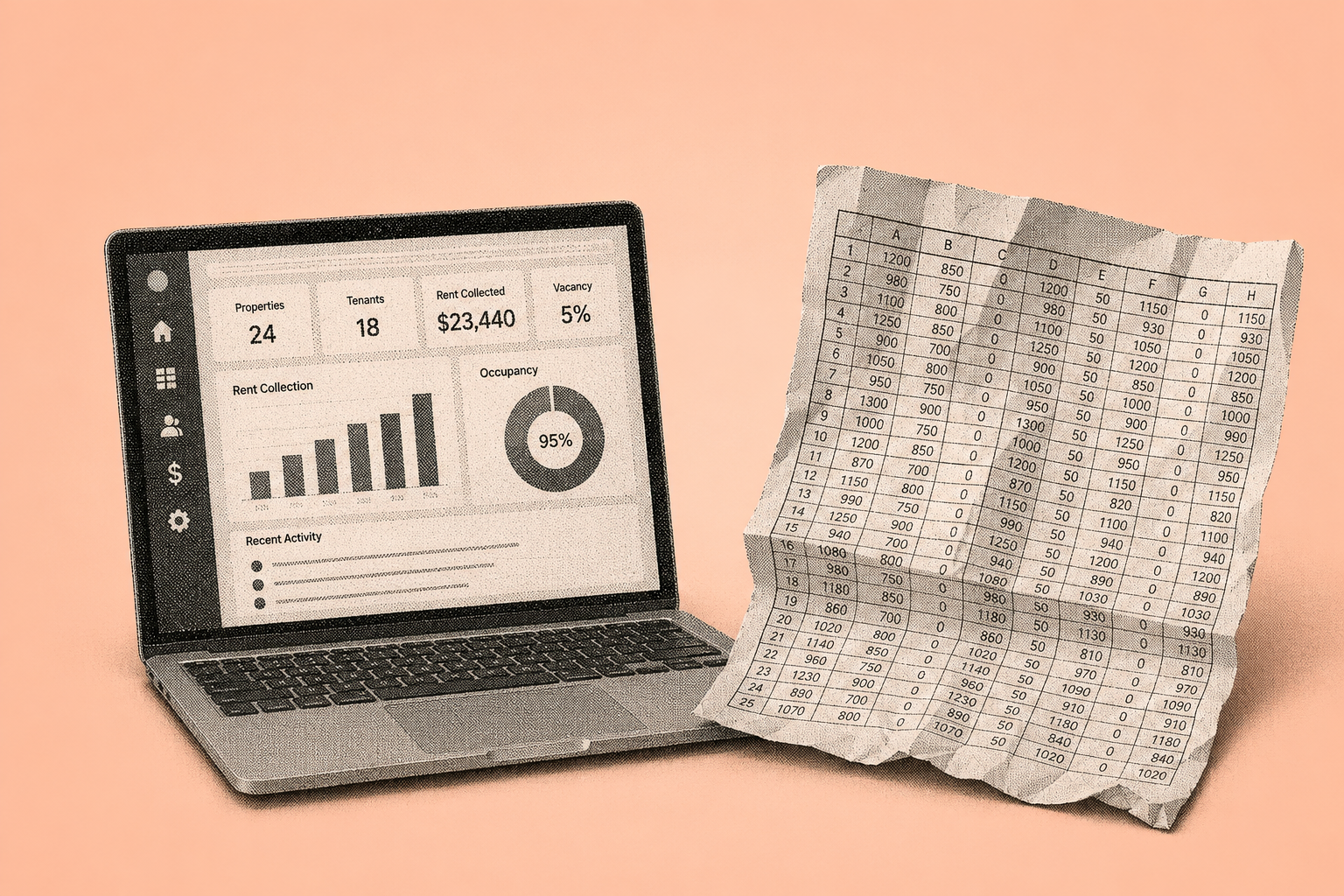
Managing rental properties often feels like running multiple businesses at once—leasing, rent collection, maintenance, accounting, compliance, and tenant communication. For small landlords and self-managing property owners, juggling these responsibilities with spreadsheets, email, and manual reminders quickly becomes unsustainable.

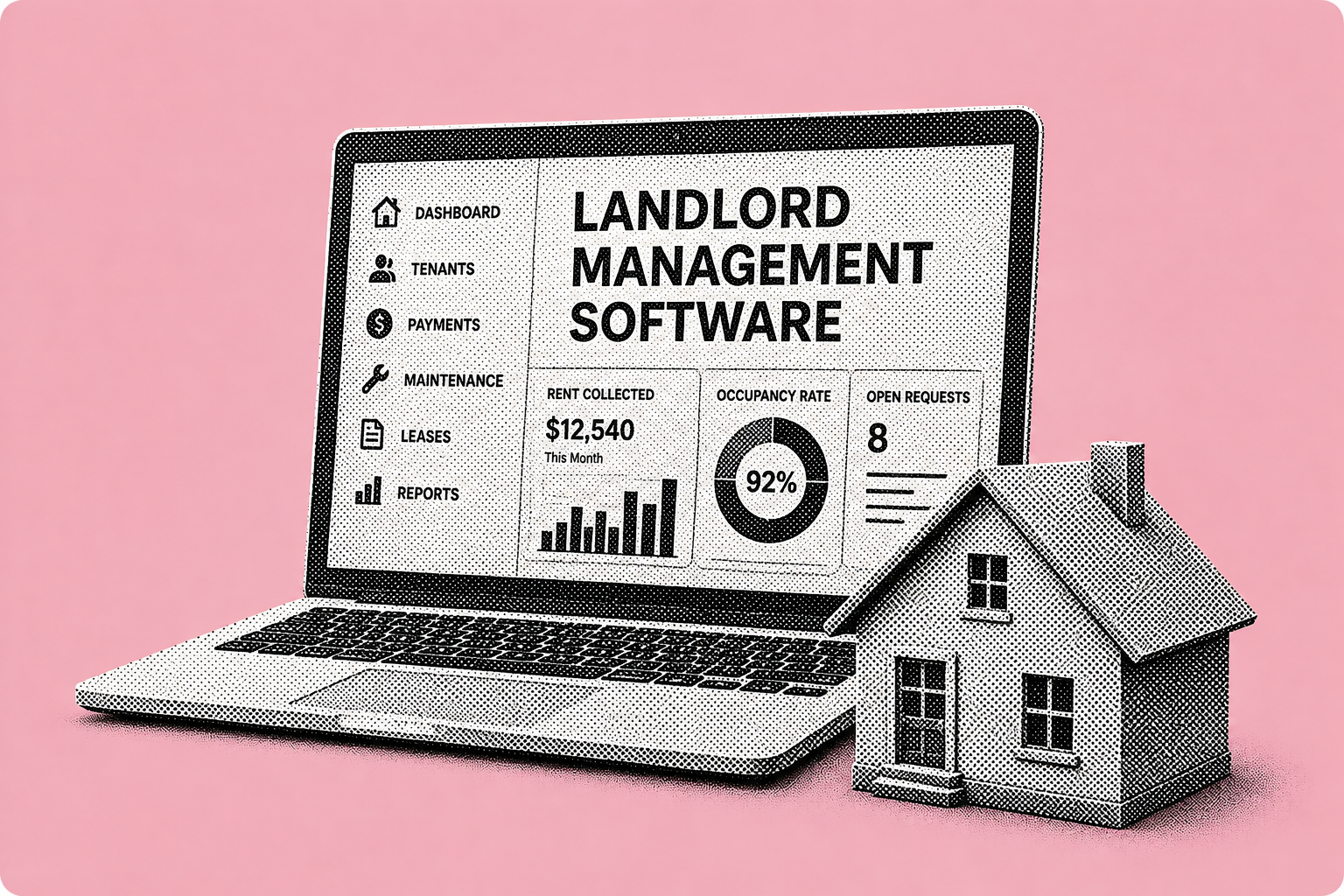
Property management software brings these workflows together into one centralized system. This guide explains what property management software is, why it matters for small landlords, and how an all-in-one, cloud-based platform helps reduce operational chaos while improving tenant experience and cash flow predictability.

QUICK VIEW
Stay in the Shuk Loop

What Is Property Management Software?

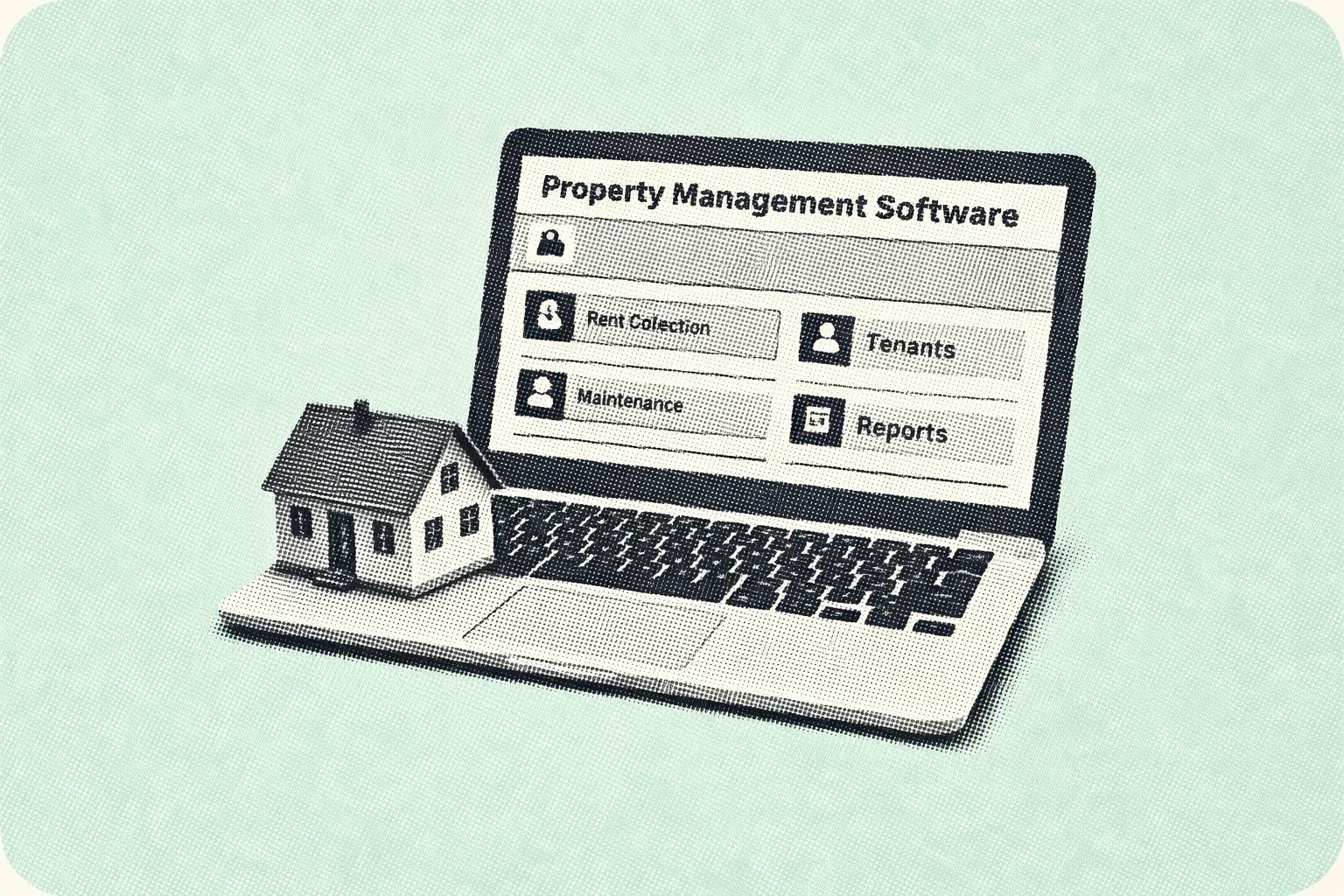
Property management software is a digital platform that helps landlords manage the full lifecycle of a rental—from tenant onboarding to rent collection, maintenance, renewals, and reporting.

Instead of relying on disconnected tools, landlords use software to:

  • Collect rent online

  • Track leases and renewals

  • Manage maintenance requests

  • Store documents and records

  • Communicate with tenants consistently

For landlords managing 1–75 units, software acts as the operating system for rental operations.

Why Small Landlords Are Adopting Property Management Software

Across the U.S., adoption of cloud-based tools among small landlords has increased rapidly as renters expect online payments, digital communication, and faster service.

Landlords turn to property management software to:

  • Reduce late payments and follow-ups

  • Coordinate maintenance more efficiently

  • Maintain clean, searchable records

  • Apply policies consistently for compliance

The shift is driven less by “technology trends” and more by practical operational pressure.

How Property Management Software Brings Order to Rental Operations

Property management software works best when it replaces entire workflows—not just one task. The most effective platforms cover the full tenant lifecycle.

The Core Rental Workflow

A complete system typically supports:

  1. Tenant onboarding and screening

  2. Lease creation and signing

  3. Online rent collection and reminders

  4. Maintenance request tracking

  5. Accounting and reporting

  6. Lease renewals and record retention

When these steps live in one system, landlords gain clarity, speed, and consistency.

{

  "@context": "https://schema.org",

  "@type": "FAQPage",

  "mainEntity": [

    {

      "@type": "Question",

      "name": "What is property management software?",

      "acceptedAnswer": {

        "@type": "Answer",

        "text": "Property management software is a digital platform that helps landlords manage rent collection, leasing, maintenance, communication, and records from one system."

      }

    },

    {

      "@type": "Question",

      "name": "Is property management software useful for small landlords?",

      "acceptedAnswer": {

        "@type": "Answer",

        "text": "Yes. Small landlords benefit from automation, better organization, and reduced administrative workload."

      }

    },

    {

      "@type": "Question",

      "name": "What features does property management software include?",

      "acceptedAnswer": {

        "@type": "Answer",

        "text": "Most platforms include online rent collection, lease tracking, maintenance management, tenant communication, and reporting tools."

      }

    },

    {

      "@type": "Question",

      "name": "Does property management software help with compliance?",

      "acceptedAnswer": {

        "@type": "Answer",

        "text": "Software supports consistent documentation and workflows, which helps landlords stay organized for compliance, though legal responsibility remains with the landlord."

      }

    }

  ]

}

Learn Hub: Property Management Software Guides

The following six guides explore property management software from different angles—selection, features, leasing, rent collection, and practical use cases. Together, they help landlords understand how software fits into real rental operations and where it delivers the most value. Each guide focuses on a specific decision or workflow, so you can read them independently or as a complete learning path.
Property Management Software
Best Rental Property Management Software in the USA

Best Rental Property Management Software in the USA

A Practical Guide for Independent Landlords (1–100 Units)

Managing rental properties in the USA can become overwhelming for independent landlords, especially when handling rent collection, tenant communication, maintenance, accounting, and legal compliance manually. As portfolios grow, spreadsheets, emails, and paper records often lead to missed payments, delayed maintenance, and operational errors.

Rental property management software provides a centralized digital solution that helps landlords manage all rental operations from a single platform. This guide explains what rental property management software is, how it works, and how landlords in the USA can choose the best solution for their needs.

The “best” software depends on your portfolio size and the workflows you care about most. For many landlords, the decision comes down to rent collection, lease tracking, and whether the tool is simple enough to use daily.

What Is Rental Property Management Software?

Rental property management software is a digital platform designed to help landlords manage rental properties more efficiently. It replaces manual processes by combining key functions such as rent collection, leasing, tenant communication, maintenance tracking, and accounting into one system.

For independent landlords managing 1 to 100 units, this type of software helps reduce administrative workload, improve accuracy, and maintain consistent cash flow without hiring additional staff.

How Rental Property Management Software Improves Rent Collection

Rent collection is one of the most critical responsibilities for landlords. Manual methods like cash or checks often result in late payments and extra follow-ups. Rental property management software automates this process using secure online payment systems.

Key advantages of automated rent collection:

  • Online rent payments through secure digital methods

  • Automated rent reminders for tenants

  • Faster payment processing and deposits

  • Automatic transaction records and receipts

Landlords using automated rent collection typically experience fewer late payments and improved predictability in monthly income.

Tenant Communication and Leasing Made Simple

Clear and consistent communication helps maintain positive landlord–tenant relationships. Rental property management software centralizes tenant communication and leasing activities in one place.

Common tenant and leasing features include:

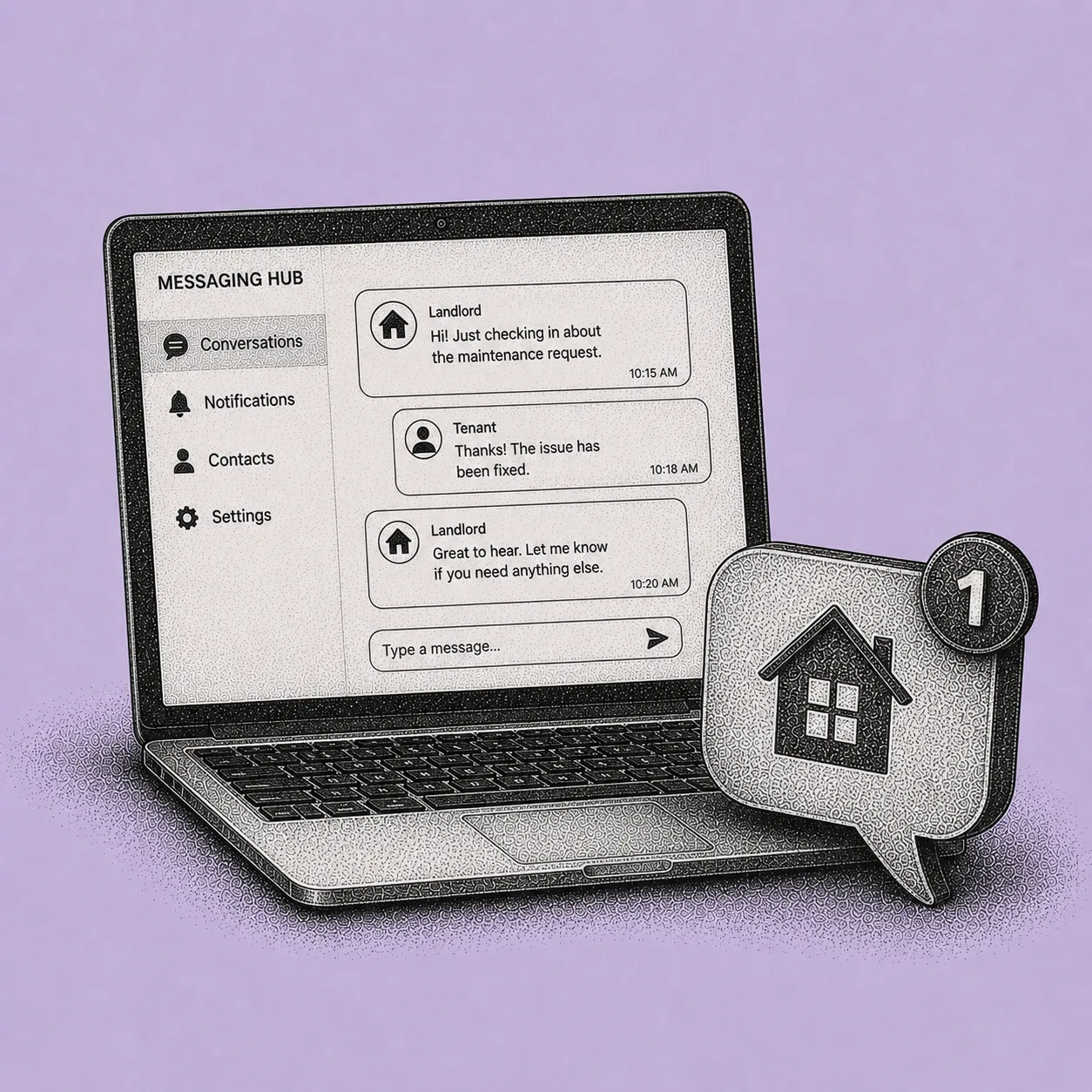
  • In-platform messaging between landlords and tenants

  • Automated lease renewal reminders

  • Digital lease creation and document storage

  • Centralized tenant profiles and history

This reduces misunderstandings, speeds up leasing processes, and keeps important records organized.

Simplifying Accounting and Financial Management

Tracking rental income and expenses manually is time-consuming and prone to errors. Rental property management software simplifies accounting by automatically organizing financial data.

Typical accounting features include:

  • Income and expense tracking

  • Monthly and annual financial reports

  • Clear cash flow visibility

  • Exportable data for tax filing or accountants

These tools help landlords understand property performance without spending hours on bookkeeping.

Compliance and Legal Considerations for U.S. Landlords

Landlords in the USA must comply with federal, state, and local housing regulations. Rental property management software helps reduce compliance risks by standardizing documentation and workflows.

Compliance-supporting features may include:

  • Secure storage of leases and tenant documents

  • Fair Housing–aligned screening workflows

  • Automated reminders for renewals and inspections

  • Organized records for audits or disputes

While software does not replace legal advice, it helps landlords stay organized and avoid common compliance mistakes.

Maintenance Management and Property Care

Maintenance issues can quickly impact tenant satisfaction and property value if not addressed promptly. Rental property management software allows tenants to submit maintenance requests digitally.

Benefits of maintenance tracking tools:

  • Faster response to repair requests

  • Clear maintenance history for each property

  • Better coordination with service providers

  • Reduced risk of long-term property damage

This leads to smoother operations and improved tenant retention.

Who Should Use Rental Property Management Software?

Rental property management software is best suited for:

  • Independent landlords

  • Small property managers

  • Owners managing 1–100 rental units

  • Landlords moving away from spreadsheets or manual systems

If managing rent, tenants, and finances feels time-consuming or disorganized, rental software is a practical solution.

Use this feature checklist as a baseline: rental property management software features.

Frequently Asked Questions (FAQs)

What is rental property management software?

Rental property management software is a digital tool that helps landlords manage rent collection, tenants, leases, maintenance, and accounting from a single platform.

Is rental property management software suitable for small landlords?

Yes. Independent landlords managing small portfolios benefit significantly from automation, improved organization, and reduced administrative effort.

Can tenants pay rent online using rental software?

Most rental property management platforms support online rent payments through secure digital payment methods, making rent collection faster and more reliable.

Does rental property management software help with accounting?

Yes. Rental software automatically tracks income and expenses and generates financial reports that simplify bookkeeping and tax preparation.

How quickly can landlords see results after switching to rental software?

Many landlords notice improvements within the first few months through better rent collection, fewer missed tasks, and reduced manual work.

Final Note

Rental property management software has become an essential tool for landlords in the USA who want to streamline operations, improve tenant satisfaction, and maintain better control over their rental business.

If you’re a small landlord looking for something practical and not enterprise-heavy, start here: property management software for small landlords.

Platforms like Shuk Rentals are designed to support independent landlords by bringing rent collection, tenant management, maintenance tracking, and financial organization into a single, easy-to-use system—helping landlords manage rental properties more efficiently without relying on manual processes.

Property Management Software
Property Management Software for Small Landlords

Property Management Software for Small Landlords

An All-in-One, Cloud-Based Upgrade That Pays You Back

Small landlords play a major role in the U.S. rental market, often managing properties alongside full-time jobs. While many portfolios are small—ranging from 1 to 100 units—the operational workload can be significant. Rent collection, tenant communication, maintenance coordination, accounting, and compliance frequently spill into nights and weekends.

Property management software for small landlords simplifies these responsibilities by replacing fragmented tools like spreadsheets, paper leases, text messages, and bank screenshots with one centralized, cloud-based system. This guide explains how these platforms work, what features matter most for small landlords, and how they deliver real return on investment through time savings and operational clarity.

Built for Small Landlords Managing 1–20 Units

Shuk Rentals is designed specifically for independent landlords managing between 1 and 20 rental units. Whether you own a few single-family homes or a small portfolio of apartments, the platform focuses on the workflows that matter most—rent collection, lease tracking, maintenance coordination, and tenant communication—without overwhelming you with enterprise-level complexity.

You don’t need an accounting team or a dedicated operations manager to use it effectively. The dashboard is simple, clear, and structured around daily landlord tasks, so you can see rent status, upcoming renewals, and open maintenance requests at a glance. Instead of juggling spreadsheets, reminders, and scattered messages, everything is organized in one place.

Affordable pricing also matters for small portfolios. Software should support your growth, not eat into your margins. Shuk Rentals is built to remain practical and cost-effective for small landlords who want structure, clarity, and control without paying for features they’ll never use.

What Is Property Management Software for Small Landlords?

Property management software for small landlords is a digital platform designed to help independent property owners manage rental operations from a single dashboard. It consolidates essential tasks such as:

  • Online rent collection

  • Tenant and lease management

  • Maintenance tracking

  • Financial reporting and accounting

  • Compliance documentation

For landlords managing small portfolios, this software reduces manual work, improves organization, and creates a more professional experience for tenants.

Why Small Landlords Are Adopting Property Management Software

Tenant expectations and operational pressures have shifted. Renters increasingly expect digital payments, online communication, and faster maintenance responses. At the same time, landlords want real-time visibility into cash flow and property performance.

Property management software helps small landlords:

  • Reduce late rent payments without uncomfortable follow-ups

  • Maintain consistent records for disputes or audits

  • Save time previously spent on repetitive administrative tasks

  • Operate professionally without hiring additional help

For many self-managing landlords, software becomes essential once manual systems start breaking down.

What to Automate First: High-Impact Workflows

For landlords managing 1–100 units, the biggest gains come from automating workflows that affect every tenant and create the most risk when handled manually.

Online Rent Collection With Autopay and Reminders

Rent collection is the most repetitive and time-sensitive task in property management. Software enables tenants to pay rent online through secure bank transfers and supports features such as autopay and automated reminders.

Key benefits include:

  • Fewer late or missed payments

  • Faster deposits and clear payment records

  • Reduced time spent following up with tenants

Removing friction from rent payments improves cash flow consistency and reduces administrative stress.

Centralized Tenant Communication Through a Resident Portal

Many small landlords communicate through a mix of texts, emails, and phone calls, which quickly becomes difficult to track. A resident portal centralizes all tenant communication, documents, and payment history.

Benefits of a tenant portal:

  • Timestamped communication records

  • Fewer after-hours interruptions

  • Clear visibility into maintenance and billing conversations

This improves professionalism and reduces misunderstandings.

Lease Management and Renewals

Cloud-based lease management allows landlords to store, reuse, and track leases digitally. Features often include templates, e-signatures, and renewal reminders.

Why this matters:

  • Eliminates paper storage and scanning

  • Reduces missed renewal deadlines

  • Keeps lease terms consistent across units

Digital lease workflows save time and reduce documentation errors.

Maintenance Requests and Vendor Coordination

Maintenance issues can escalate quickly if they are not tracked properly. Property management software allows tenants to submit maintenance requests online, often with photos and priority levels.

Maintenance tracking helps landlords:

  • Respond faster to urgent issues

  • Maintain a clear repair history

  • Coordinate vendors more efficiently

This protects property value and improves tenant satisfaction.

Tenant Screening and Application Consistency

Screening tenants consistently is critical for risk reduction. Software helps landlords manage applications, screening results, and decision documentation in one place.

Benefits include:

  • Standardized application workflows

  • Better documentation for Fair Housing compliance

  • Reduced risk of inconsistent decision-making

While software does not replace legal guidance, it supports consistent processes.

Accounting, Reporting, and Tax Readiness

Manual bookkeeping becomes harder as portfolios grow. Property management software automates income and expense tracking and generates financial reports.

Typical accounting features include:

  • Rent roll reports

  • Income and expense summaries

  • Exportable data for tax preparation

This significantly reduces time spent preparing financials.

Compliance and Recordkeeping

Small landlords must manage leases, notices, maintenance records, and payment histories carefully. Software creates a centralized, time-stamped record of all activities.

This helps landlords:

  • Stay organized during disputes

  • Maintain consistent documentation

  • Reduce compliance-related stress

Centralized records lower operational risk.

Who Should Use Property Management Software for Small Landlords?

This software is ideal for:

  • Independent landlords

  • Owners managing 1–100 rental units

  • Self-managing landlords using spreadsheets or manual systems

  • Landlords planning to grow their portfolio

If your current process depends on memory, scattered messages, or manual follow-ups, software provides immediate value.

Frequently Asked Questions (FAQs)

Is property management software worth it for landlords with only a few units?

Yes. Even landlords with 1–5 units often save time and reduce stress by automating rent collection, communication, and recordkeeping.

How long does it take to set up property management software?

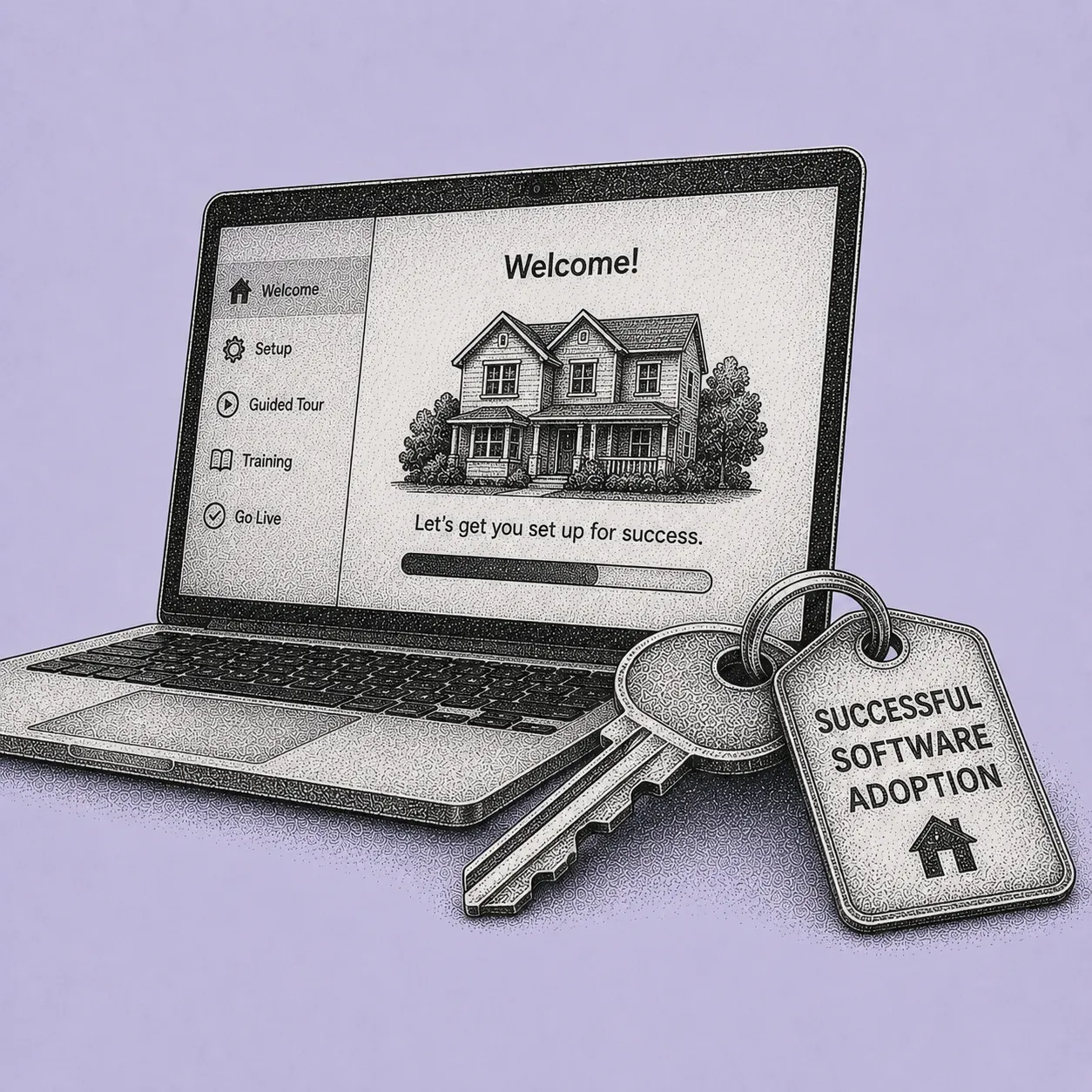
Most landlords can complete basic setup—adding properties, tenants, leases, and payments—within a short time by starting with core features.

Is online rent collection safe?

Online rent collection is widely used and secure when provided by reputable, cloud-based platforms with proper security controls.

Does property management software help with Fair Housing compliance?

Software supports consistency in applications and documentation, but landlords remain responsible for understanding and following all applicable laws.

Will the software still work if my portfolio grows?

Yes. One of the biggest advantages is scalability—software allows landlords to add units without rebuilding their workflows.

Final Note

Property management software for small landlords is no longer a luxury—it is a practical tool for saving time, improving organization, and maintaining consistent cash flow. By centralizing rent collection, communication, maintenance, and reporting, landlords can manage properties more efficiently and with less stress.

Platforms like Shuk Rentals are designed to support small landlords by bringing rent collection, tenant management, maintenance tracking, and financial organization into a single, cloud-based system—helping landlords modernize operations without relying on manual processes.

Property Management Software
Rental Property Management Software Features
Property Management Software
Lease Management Software for Landlords

Lease Management Software for Landlords

A Practical Guide to Faster Leases, Fewer Mistakes, and Smoother Renewals

Manual lease administration often turns “one more rental unit” into a part-time job. Lease templates saved on laptops, addenda scattered across folders, spreadsheets for expiration dates, and long email threads with missing attachments create uncertainty and stress—especially when landlords need to confirm which version was signed or whether a required disclosure was included.

For landlords and property managers managing 5–500 units, the challenge is rarely the lease itself. The real problem is the process: creating leases accurately, collecting signatures without delays, storing documents so they are searchable later, and tracking renewals before vacancies occur.

Lease management software for landlords replaces fragile, manual systems with a centralized digital workflow that helps landlords track, renew, and store leases more efficiently and with fewer errors.

Lease tracking becomes much easier when it’s connected to rent and tenant records. If your lease workflow is separate from rent tracking, you usually end up duplicating work and missing key dates.

Lease tracking becomes much easier when it’s connected to rent and tenant records. If your lease workflow is separate from rent tracking, you usually end up duplicating work and missing key dates. Is Lease Management Software and Why It Matters

Lease management software is a digital system designed to manage the full lifecycle of a lease—from initial drafting to signing, renewal, and long-term storage. Manual tools do not scale well. Spreadsheets cannot enforce required fields, email does not track final versions, and paper files are difficult to search.

Lease management software centralizes these steps into one workflow:

  • Digital signatures with time-stamped audit trails

  • Automated tracking of lease expirations and renewals

  • Secure storage of leases, addenda, and notices

  • Reporting on lease activity and timelines

By standardizing the leasing process, landlords reduce administrative workload and lower the risk of missed renewals or compliance errors.

Core Features of Lease Management Software for Landlords

Electronic Signatures and Faster Lease Execution

E-signature functionality allows tenants and co-signers to sign leases digitally from any device. Each signature is time-stamped and stored with the executed lease.

Why this matters:

  • Shorter leasing cycles

  • Fewer delays due to scheduling conflicts

  • Clear proof of execution if disputes arise

Digital signing removes geographic and scheduling friction from the leasing process.

Lease Expiration Tracking and Renewal Automation

Renewals are a critical point in rental operations. Missing renewal windows can lead to unexpected vacancies and lost income. Lease management software tracks expiration dates and triggers automated reminders.

Typical renewal features include:

  • Alerts at predefined intervals (e.g., 90/60/30 days)

  • Renewal task lists and notice templates

  • Reporting on renewal outcomes

Automation helps landlords retain good tenants and plan ahead.

Centralized Document Storage and Search

Lease management software stores executed leases, addenda, notices, and supporting documents in one searchable location, linked to each tenant and unit.

Key advantages:

  • Faster retrieval during disputes or audits

  • Reduced reliance on email or paper files

  • Clear version history and audit trails

Finding a signed lease becomes a seconds-long task instead of a search through folders.

Compliance Support and Required Disclosures

Lease requirements vary by state and property type. Software helps standardize disclosures and ensures required documents are included before a lease is sent for signature.

Compliance support may include:

  • State-specific addenda templates

  • Required-document checklists

  • Workflow gates that prevent incomplete lease packets

While software does not replace legal advice, it reduces the chance of missed disclosures.

If you’re choosing a tool, compare lease features as part of a full checklist in best rental property management software USA.

Reporting and Lease Performance Visibility

Once leases are digitized, landlords gain access to data that was previously difficult to track.

Common lease reports include:

  • Leases expiring by month

  • Renewal acceptance rates

  • Average time from lease sent to lease signed

These insights help landlords improve leasing efficiency and reduce vacancy risk.

Who Should Use Lease Management Software?

Lease management software is well-suited for:

  • Independent landlords

  • Small and mid-sized property managers

  • Owners managing multiple properties or states

  • Landlords transitioning away from spreadsheets and paper leases

If lease tracking or renewals feel error-prone or time-consuming, software provides immediate operational benefits.

Frequently Asked Questions (FAQs)

What is lease management software for landlords?

Lease management software is a digital system that helps landlords sign, store, track, and renew lease agreements from one centralized platform.

Is lease management software useful for small landlords?

Yes. Even landlords with a small number of units benefit from faster better organization and fewer missed renewal deadlines.

Are electronic lease signatures legally valid?

Electronic signatures are widely used in rental housing and generally accepted when proper procedures and audit trails are maintained.

Can lease management software help with renewals?

Yes. Automated reminders and renewal workflows help landlords act early and reduce unexpected vacancies.

Does lease management software support compliance?

Software helps standardize documentation and disclosures, but landlords remain responsible for following all applicable laws.

Final Note

Lease management software helps landlords replace fragmented leasing processes with a repeatable, organized system. By centralizing signatures, storage, and renewals, landlords reduce administrative stress, improve accuracy, and protect rental income.

For a broader view of what a full platform should include, review rental property management software features.

Platforms like Shuk Rentals support landlords by integrating lease management into a broader rental operations workflow—helping leases move faster, remain organized, and stay aligned with the rest of the property management process.

Property Management Software
Rent Collection Software for Landlords

Rent Collection Software for Landlords

A Practical Guide to Faster Payments, Fewer Late Rents, and Predictable Cash Flow

Manual rent collection creates friction for both landlords and tenants. Paper checks, late payments, manual follow-ups, and scattered records consume time and introduce unnecessary stress. As economic conditions tighten and household budgets fluctuate, landlords face increasing uncertainty around on-time payments and cash flow consistency.

Rent collection software for landlords replaces manual processes with a centralized, automated system for accepting payments, sending reminders, enforcing lease rules, and tracking records. This guide explains how rent collection software works, how to implement it effectively, and how landlords can avoid common mistakes while modernizing rent operations.

Rent collection is one part of the bigger property management workflow. Once rent tracking is organized, the next bottlenecks are usually lease tracking and maintenance follow-ups. That’s why many landlords start with payments and then move into a complete system.

What Is Rent Collection Software?

Rent collection software is a digital platform that allows landlords to collect rent online and manage payment workflows in one place. Instead of handling checks, deposits, and manual ledgers, landlords use software to automate the rent lifecycle.

Core capabilities typically include:

  • Online rent payments (ACH, debit, and credit cards)

  • Automated reminders and autopay options

  • Payment tracking and reconciliation

  • Digital receipts and audit trails

For landlords managing any number of units, rent collection software turns rent day into a predictable, low-effort process.

Why Landlords Are Moving to Rent Collection Software

Tenant payment preferences have shifted rapidly toward digital methods. At the same time, landlords want fewer late payments, clearer records, and less manual reconciliation. Manual systems struggle to meet both needs.

Rent collection software helps landlords:

  • Reduce late payments without personal follow-ups

  • Improve payment predictability

  • Maintain clean, time-stamped records

  • Spend less time on rent administration

As online payments become the norm, software adoption is no longer optional for landlords who want operational stability.

Key Benefits of Rent Collection Software for Landlords

Automated Payments and Autopay

Autopay allows tenants to schedule recurring payments, reducing “forgot to pay” delays. When combined with automated reminders, landlords see higher on-time payment rates.

Benefits include:

  • Fewer late payments

  • Reduced tenant disputes

  • Consistent monthly cash flow

Autopay shifts rent collection from reactive to automatic.

Faster Payments and Clear Records

Online payments settle faster than checks and automatically update tenant ledgers.

This results in:

  • Immediate payment confirmation

  • Automatic receipts for tenants

  • Accurate, reconciled records

Manual data entry and end-of-month cleanup are significantly reduced.

Lease-Aligned Late Fees and Notices

Rent collection software enforces lease rules consistently. Late fees and notices are applied according to predefined settings.

Why this matters:

  • Removes emotional friction from enforcement

  • Keeps treatment consistent across tenants

  • Creates a clear audit trail

Consistency protects landlords during disputes.

Small portfolios benefit most when rent reminders and payment history sit inside property management software for small landlords, so nothing gets missed.

Centralized Communication and Transparency

Payment reminders, receipts, and notices are stored within the platform, tied to each tenant and billing period.

Benefits include:

  • Reduced misunderstandings

  • Documented communication history

  • Fewer off-platform payment conversations

This keeps rent-related communication professional and traceable.

How to Implement Rent Collection Software Successfully

Choose the Right Platform

Start by identifying non-negotiable features:

  • ACH payments with autopay

  • Automated reminders

  • Ledger auto-posting

  • Exportable reports

The right platform should automate at least three manual steps in your current rent process.

Configure Payment Options Thoughtfully

ACH is typically the most cost-effective and reliable option for recurring rent payments. Card payments can be offered as a fallback.

Best practices:

  • Set ACH as the default option

  • Clearly disclose card processing fees

  • Provide guidance during tenant onboarding

Clear setup reduces adoption friction.

Automate Reminders and Notices

A structured reminder cadence keeps tenants informed without confrontation.

Typical cadence:

  • Friendly reminder before due date

  • Due-date notification

  • Post-grace-period notice

Neutral, automated messaging maintains professionalism.

Reconcile Payments and Monitor Exceptions

Good rent collection software automatically matches payments to tenants and billing periods.

Landlord best practices:

  • Review exceptions weekly

  • Address failed payments promptly

  • Keep all records inside the platform

Automation reduces accounting errors.

Who Should Use Rent Collection Software?

Rent collection software is ideal for:

  • Independent landlords

  • Small and mid-size property owners

  • Landlords managing multiple properties

  • Anyone moving away from checks and spreadsheets

If rent collection requires manual tracking or frequent follow-ups, software delivers immediate value.

Frequently Asked Questions (FAQs)

What is rent collection software for landlords?

Rent collection software is a digital tool that allows landlords to accept online rent payments, automate reminders, and track payment records in one system.

Is online rent collection safe?

Online rent collection is secure when provided by reputable platforms using encryption, audit logs, and compliance standards.

Can tenants use autopay for rent?

Yes. Most rent collection platforms allow tenants to set up recurring autopay schedules aligned with their pay cycles.

Does rent collection software reduce late payments?

Yes. Automated reminders and autopay significantly improve on-time payment rates.

Can landlords accept partial payments?

Some platforms support partial payments, but landlords should configure policies carefully based on lease terms and local regulations.

Final Note

Rent collection software helps landlords replace unpredictable, manual payment processes with a structured, automated system. By centralizing payments, reminders, records, and enforcement, landlords gain clearer cash flow visibility and spend less time managing rent logistics.

To understand how rent collection fits into the full product, check rental property management software features.

Platforms like Shuk Rentals support landlords by integrating online rent collection into a broader rental management workflow—helping rent payments stay consistent, documented, and aligned with the rest of property operations.

Frequently Asked Questions

Find answers to common questions about our products and services

How much does property management software cost for small landlords?

faq dropdown toggle

How long does it take to set up property management software?

faq dropdown toggle

Will tenants actually use a portal?

faq dropdown toggle

Is cloud-based property management software secure?

faq dropdown toggle

Does property management software help with compliance?

faq dropdown toggle
Final Note

Property management software helps landlords replace fragmented, manual workflows with a structured system that supports rent collection, leasing, maintenance, communication, and reporting in one place. For small landlords, this shift reduces stress, improves cash flow visibility, and creates a more professional tenant experience. Platforms like Shuk Rentals support this approach by bringing core property management workflows together in a single, cloud-based system designed for independent landlords.